

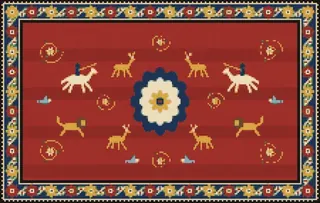
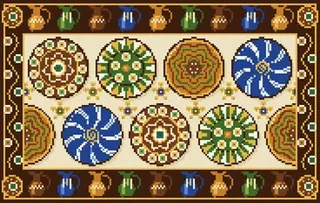
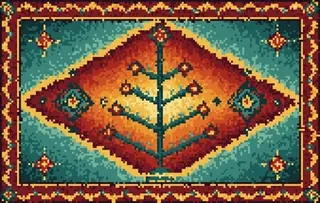
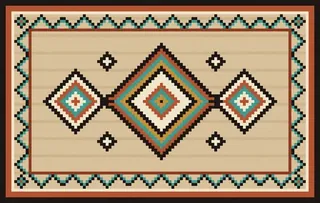


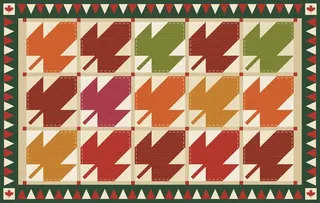
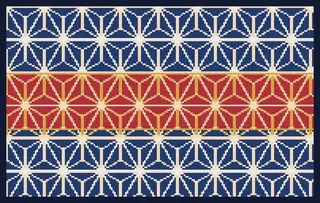
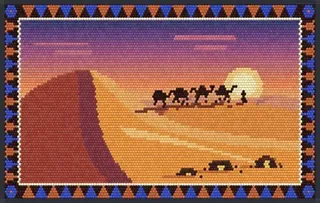
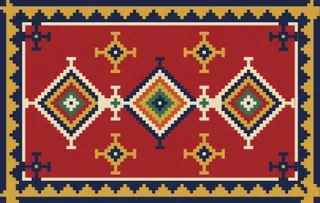

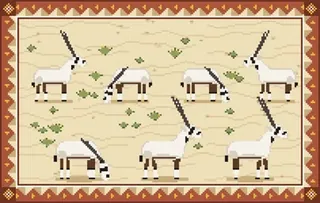
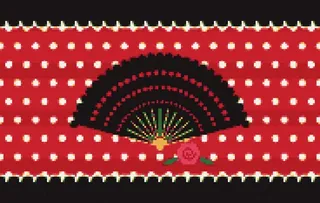
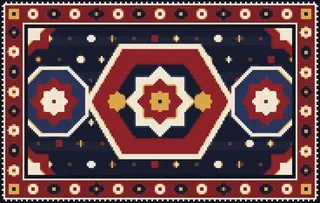
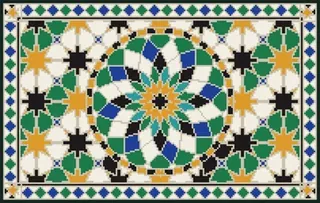

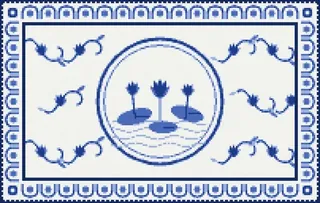
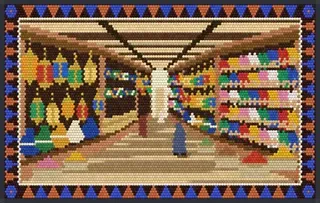
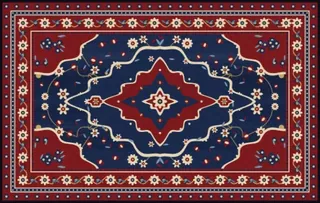
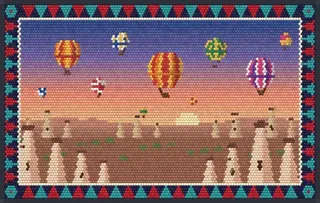

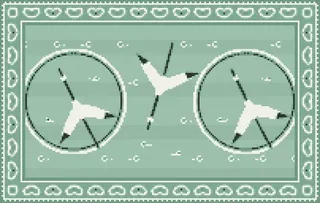
Desktop Carpet
Free
- All 321 rugs in the app
- Every new rug and pack as it lands
- One key for 3 computers, Windows or Mac
- Nothing to pay, nothing runs out
Now freeEvery rug, no card4 new packs
Free for Windows 10 & 11 and macOS 12+
Desktop Carpet puts a rug on your desktop. Lift a corner, push the mess under, let go. Your files stay where they are. You just stop looking at them.
Every rug included · no card, no account, nothing runs out
How it works
No folders to organise and nothing to set up. Here is the whole manual.
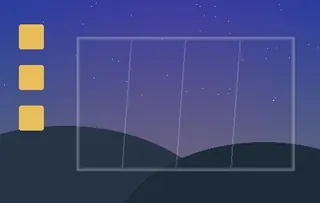
Pick a rug from the system tray or the Mac menu bar. It lands on your wallpaper, under your windows.
Grab any corner and pull. It peels back like real wool and shows its underside.
Drag files into the gap, or select everything and push it in at once.
The corner drops and the mess is gone. The files never moved on disk. Lift again to get them back.
In the app today
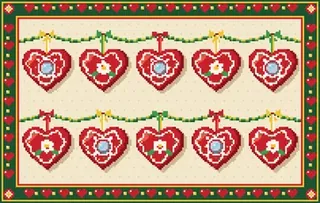
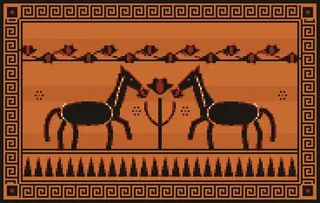
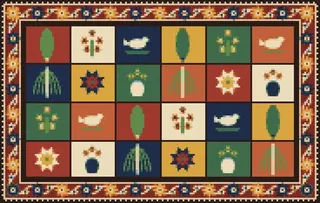
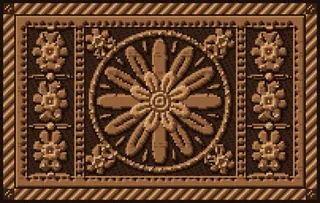
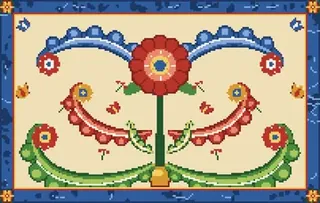
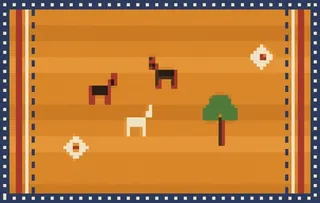
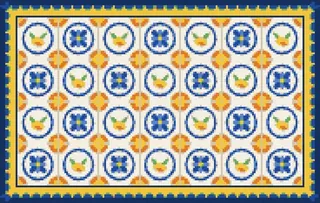
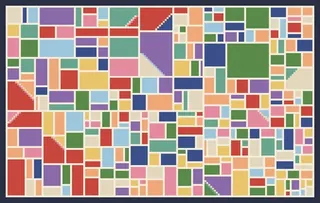
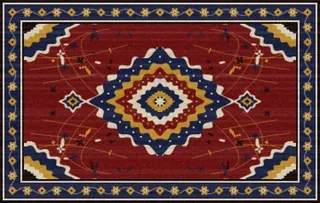
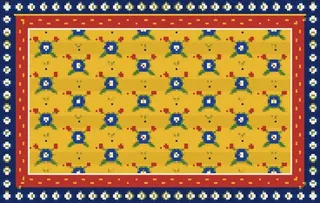
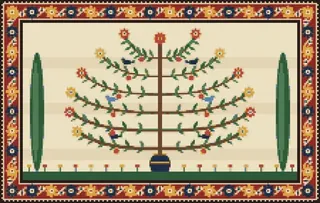
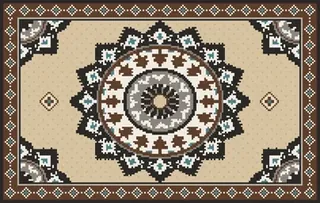
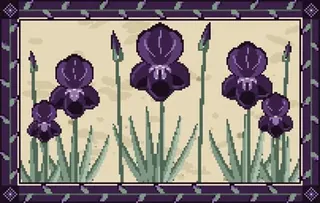
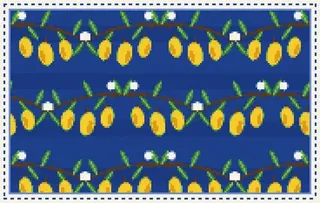
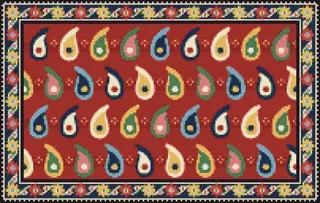
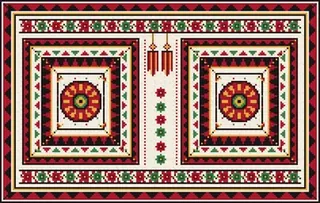
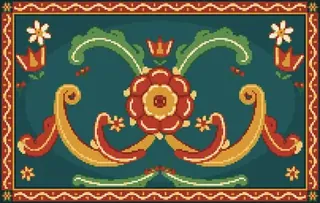
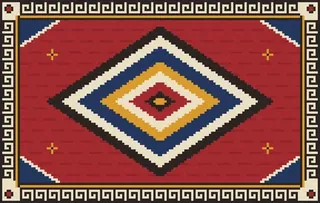
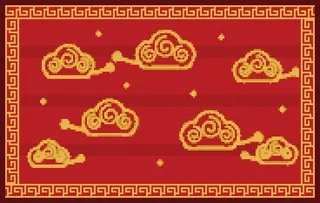
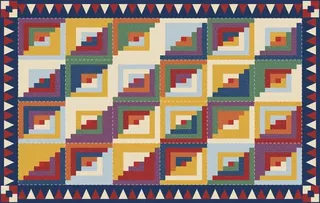
Persian classics and a kilim, the Halloween Pack and nine world packs, from the Nordic countries and the Balkans to Jordan, Morocco and East Asia. All of them are free, and new rugs and packs keep landing in the app.
World packs
Each pack is a set of rugs from one part of the world, and every one of them is free. Pick one to see what's inside.
Out nowFrom the Adriatic to the Black Sea
60 rugs from Croatia, Bosnia and Herzegovina, Serbia, Bulgaria and Albania, on your desktop now.
Free, like every pack. Open the app and find it under Balkans, with a tab for each country. See all 60 →
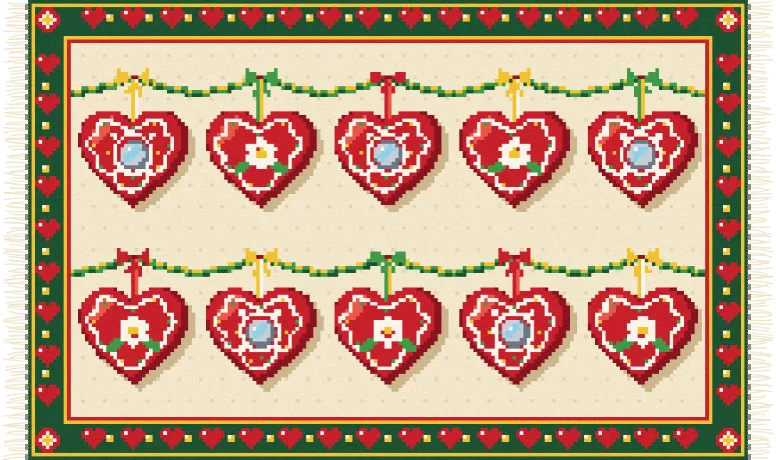
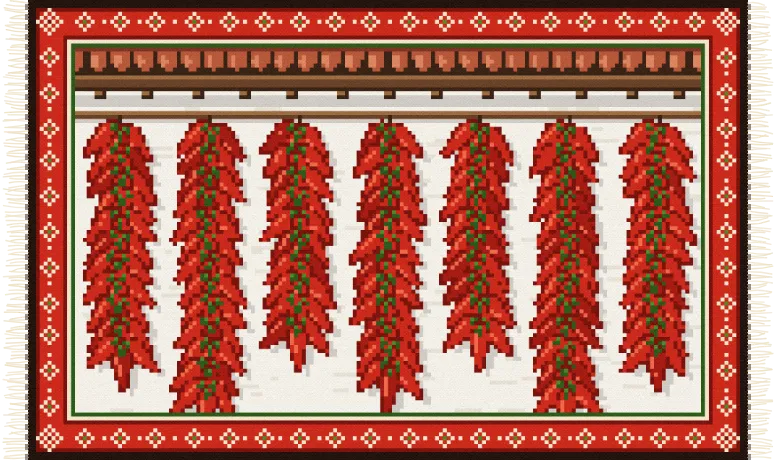
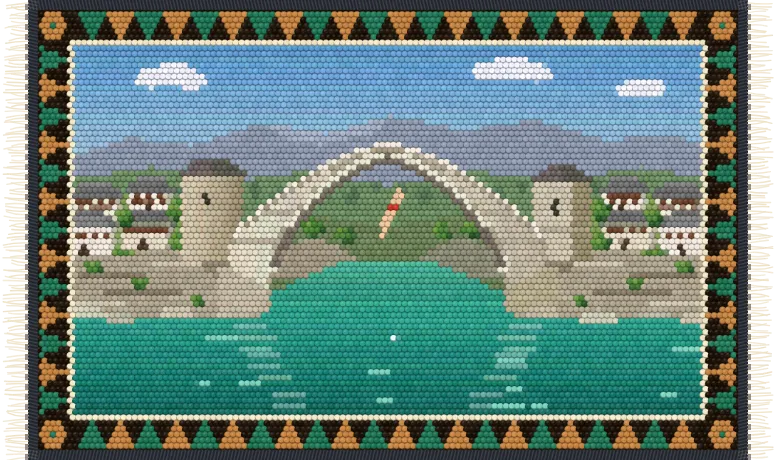
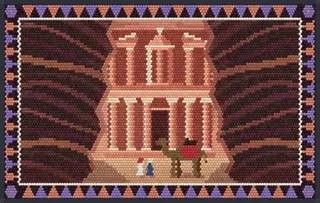
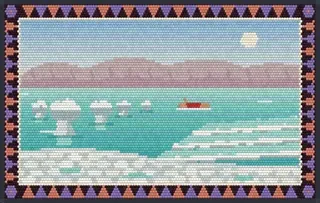
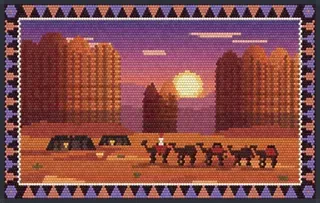
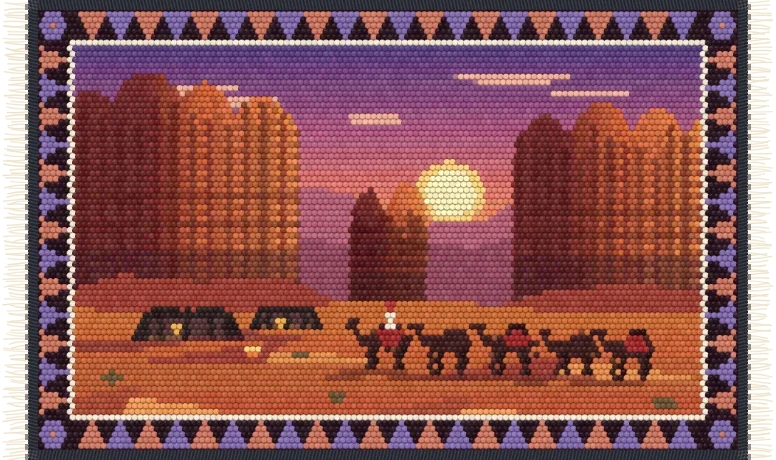
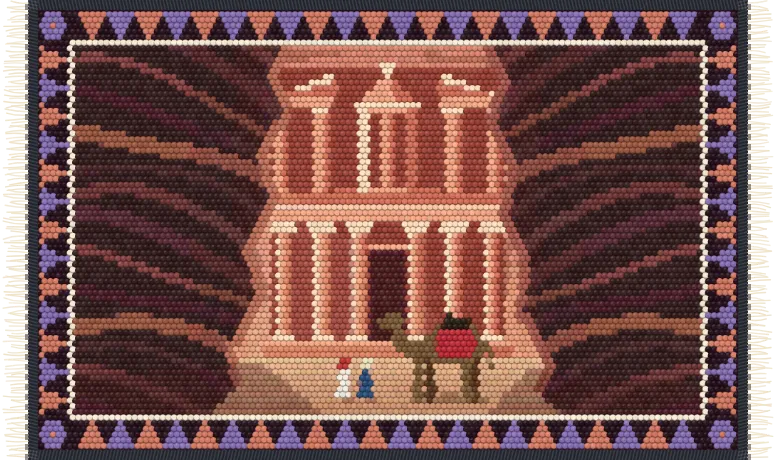
Out nowPetra · Wadi Rum · the Dead Sea
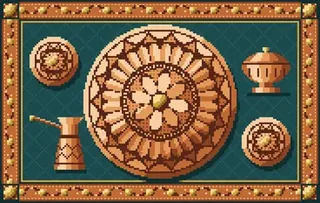
12 rugs from Jordan, from the rose-red city of Petra to the corals of Aqaba, on your desktop now.
Free, like every pack. Open the app and find it under Jordan. See all 12 →
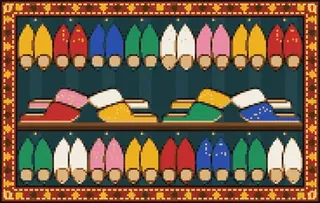
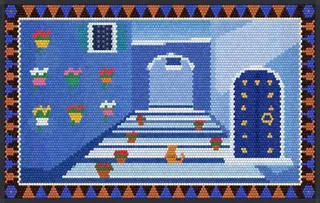
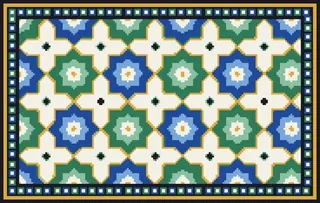
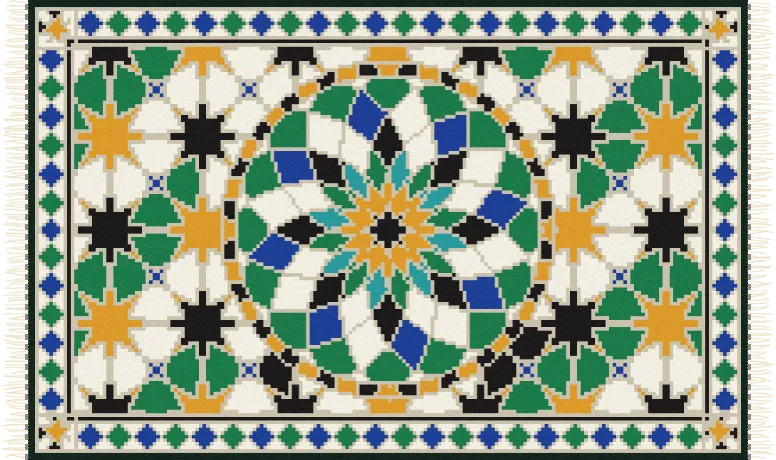
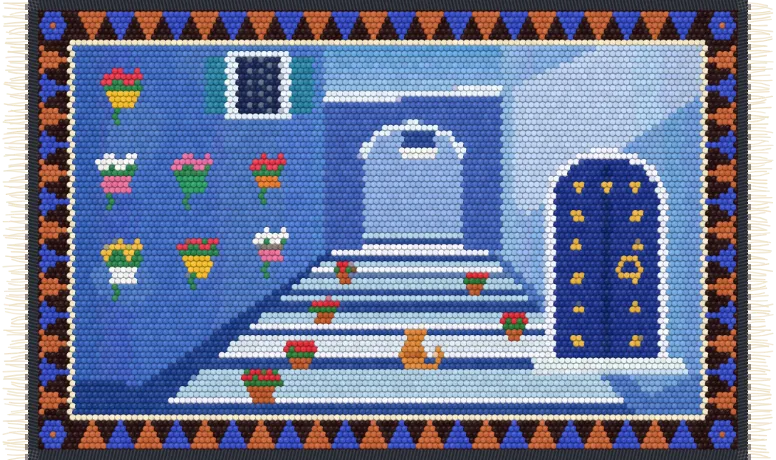
Out nowFez · Marrakesh · Chefchaouen
12 rugs from Morocco, from the tiles of Fez to the blue alleys of Chefchaouen, on your desktop now.
Free, like every pack. Open the app and find it under Morocco. See all 12 →
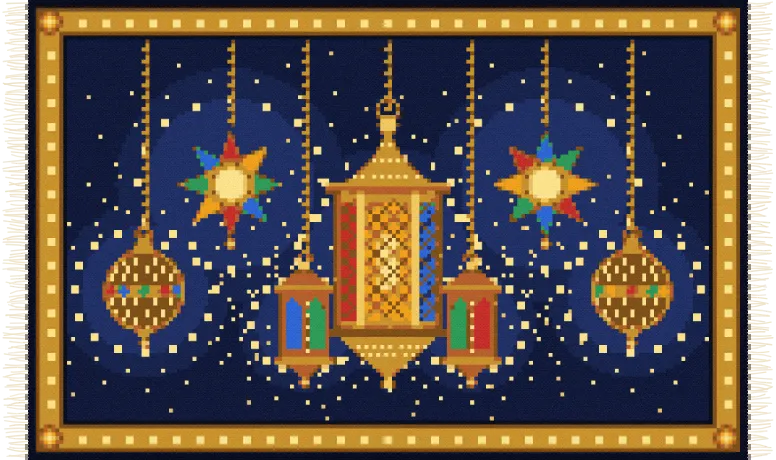
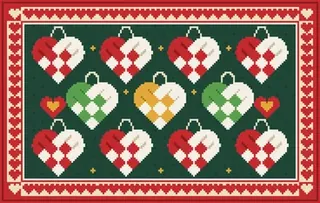
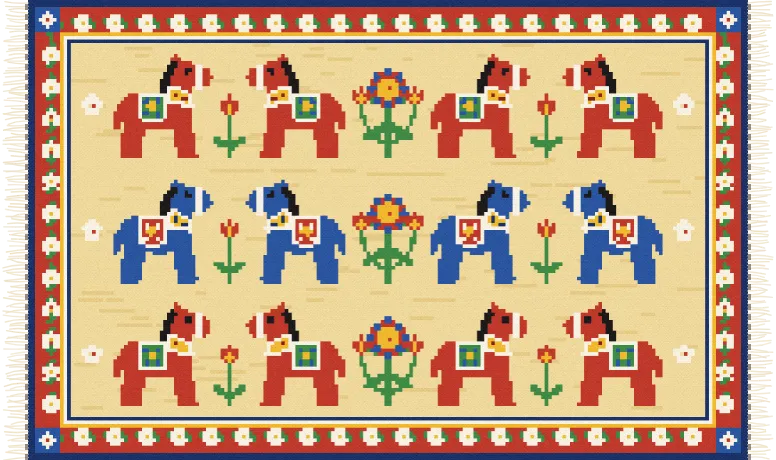
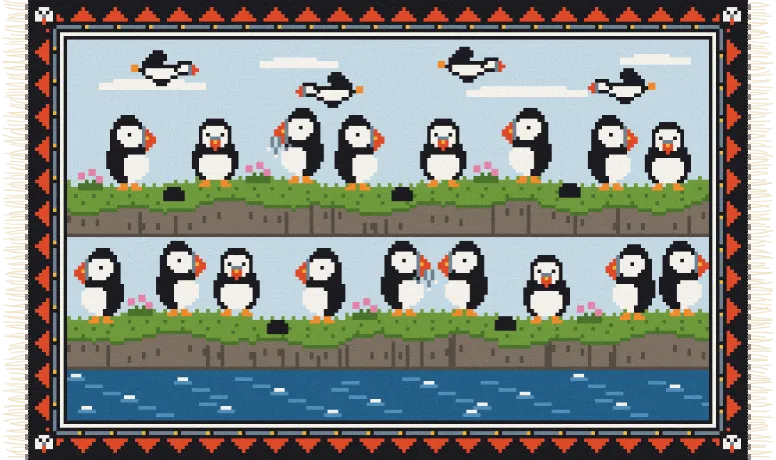
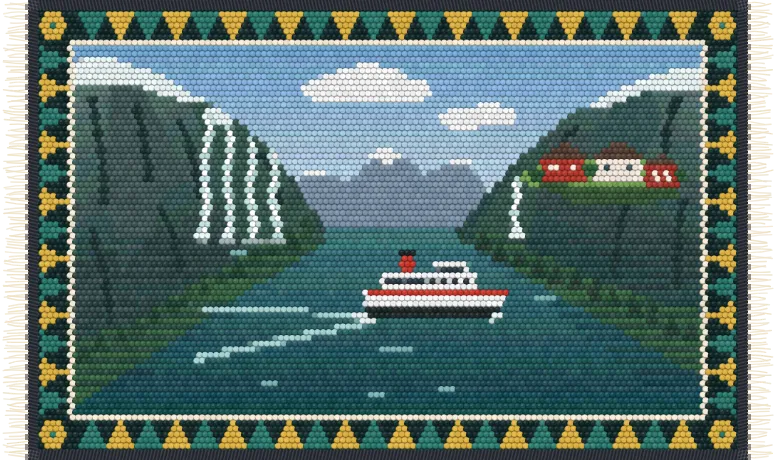
Out nowWool, birch and the midnight sun
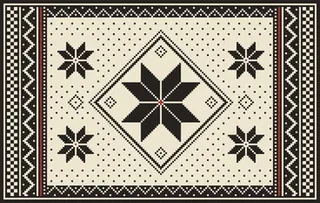
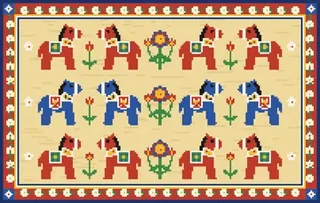
60 rugs from Norway, Sweden, Denmark, Finland and Iceland, on your desktop now.
Free, like every pack. Open the app and find it under Nordic, with a tab for each country. See all 60 →
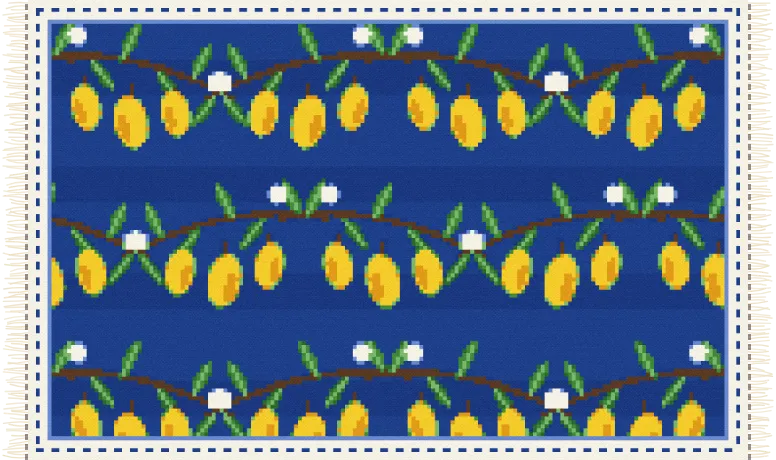
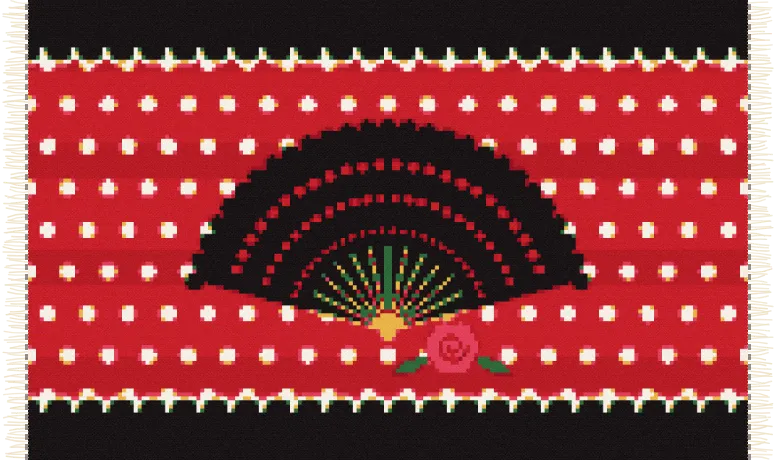
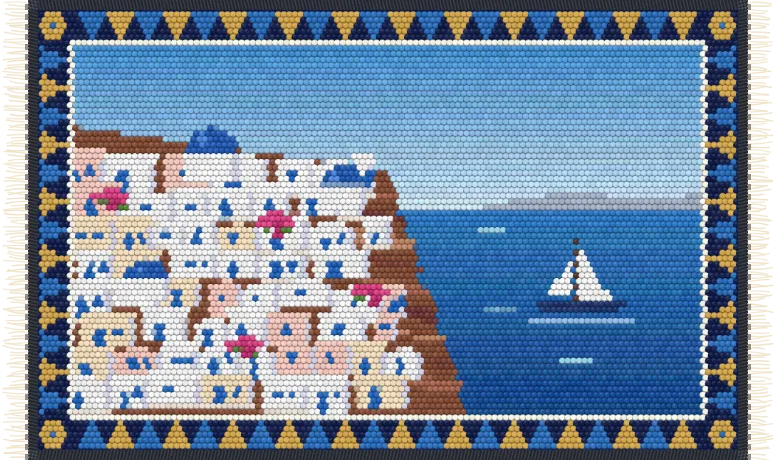
Out nowItaly · Greece · Spain · France
64 rugs from Italy, Greece, Spain and France, on your desktop now.
Free, like every pack. Open the app and find it under Mediterranean, with a tab for each country. See all 64 →
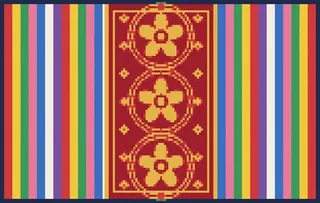
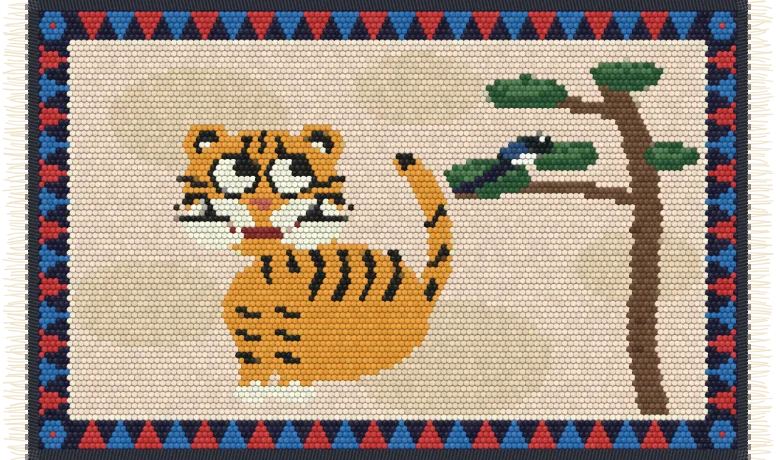
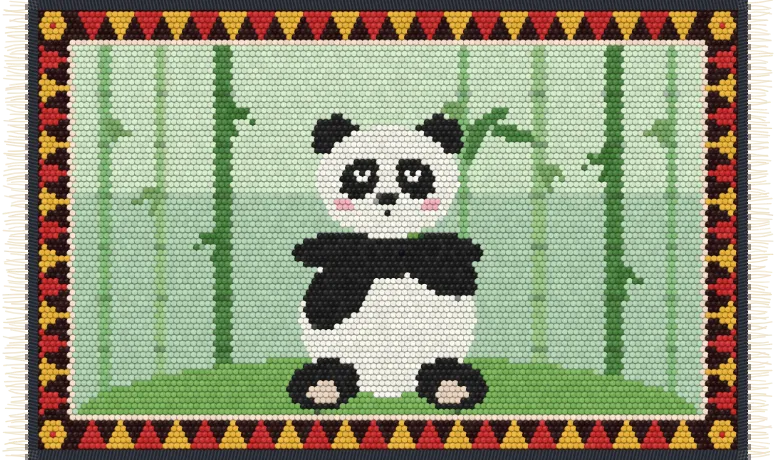
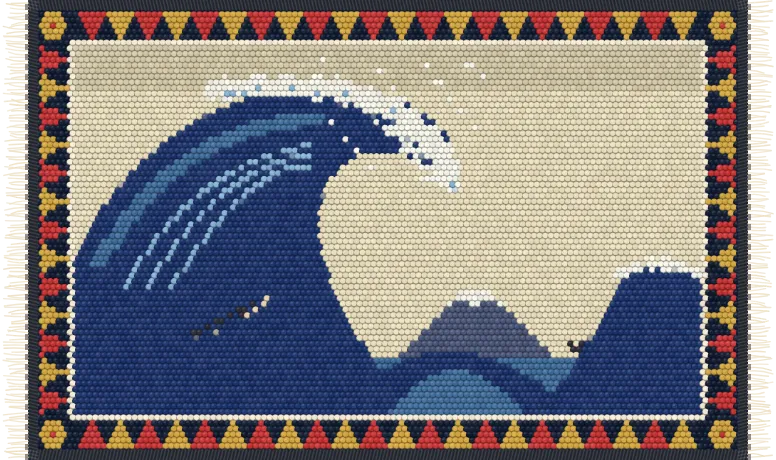
Out nowKorea · Japan · China
42 rugs from Korea, Japan and China, on your desktop now.
Free, like every pack. Open the app and find it under East Asia, with a tab for each country. See all 42 →
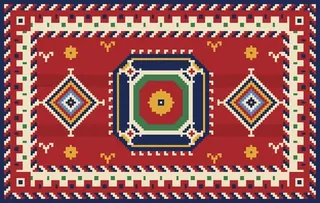
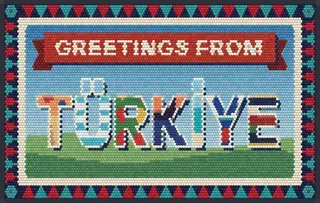
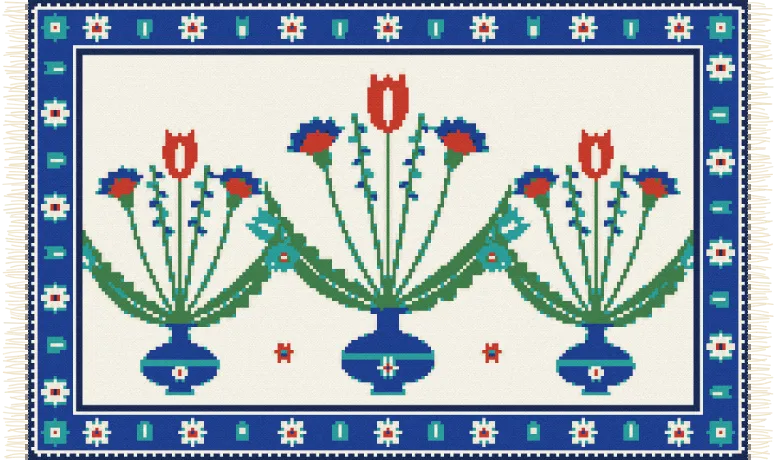
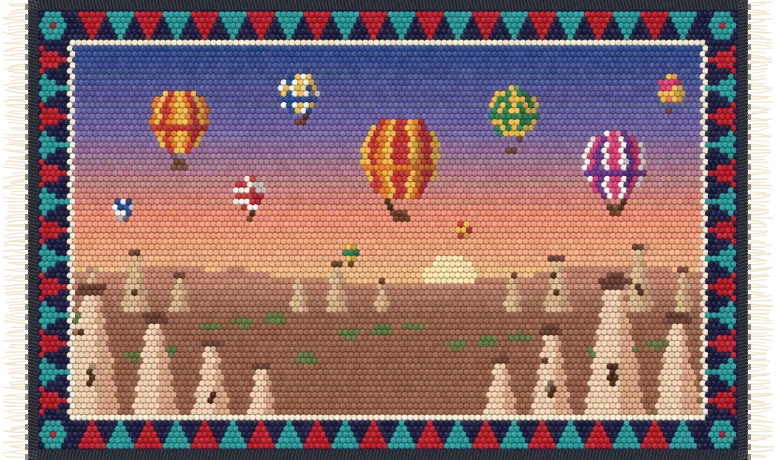
Out nowBetween two continents
12 rugs from Türkiye’s carpet towns and best-loved views, on your desktop now.
Free, like every pack. Open the app and find it under Türkiye, next to Persia. See all 12 →
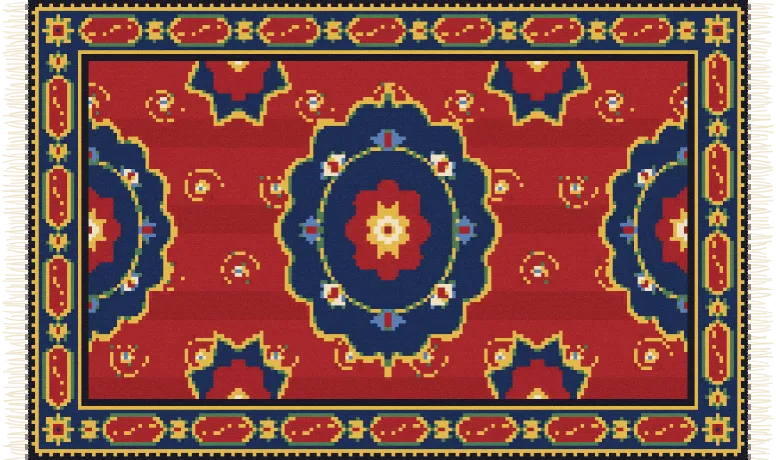
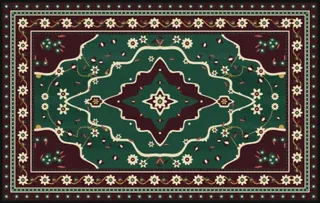
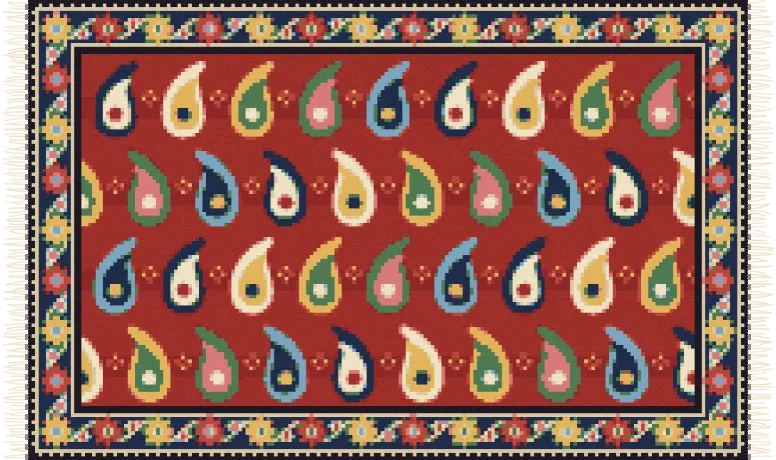
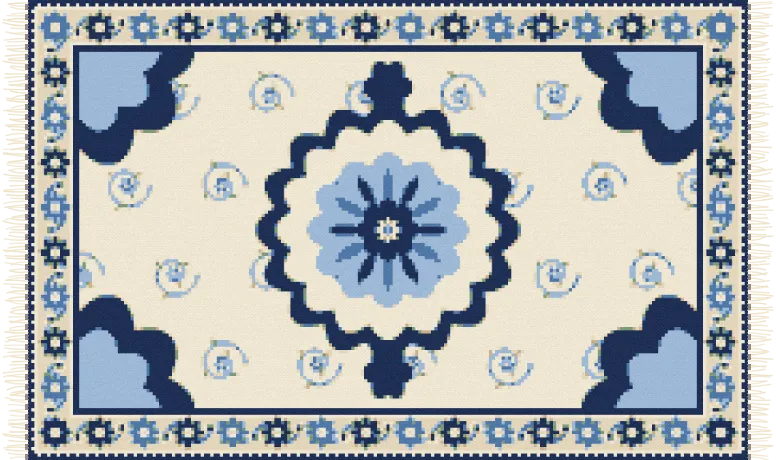
Out nowFrom the carpet capital
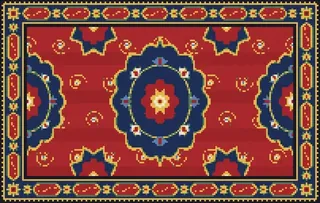
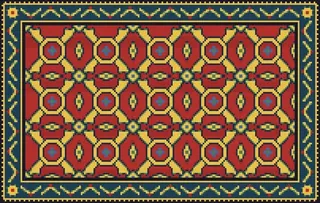
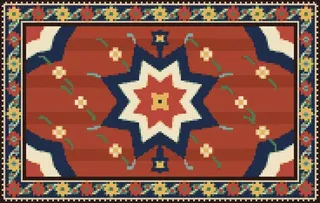
12 knotted rugs from the home of the Persian carpet, on your desktop now.
Free, like every pack. Open the app and find them under Persia. See all 12 →
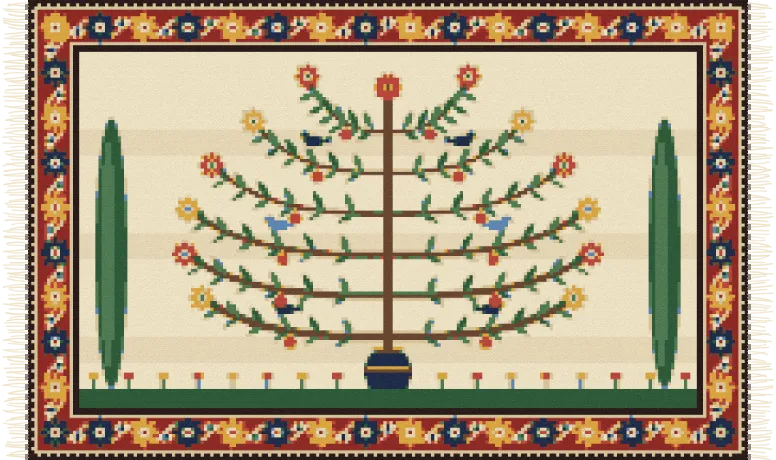
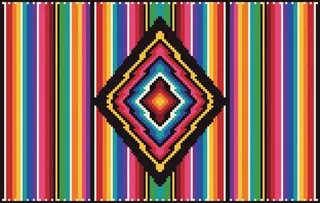
Out nowUSA · Canada · Mexico
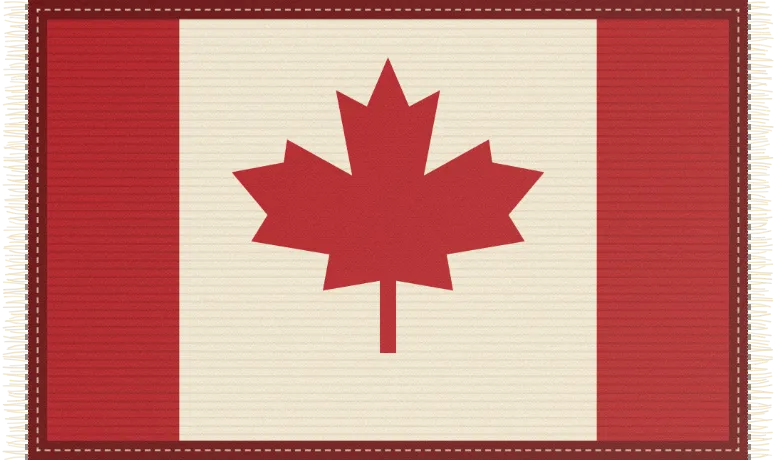
38 rugs from the USA, Canada and Mexico, on your desktop now.
Free, like every pack. Open the app and find them under Americas, a tab for each country. See all 38 →
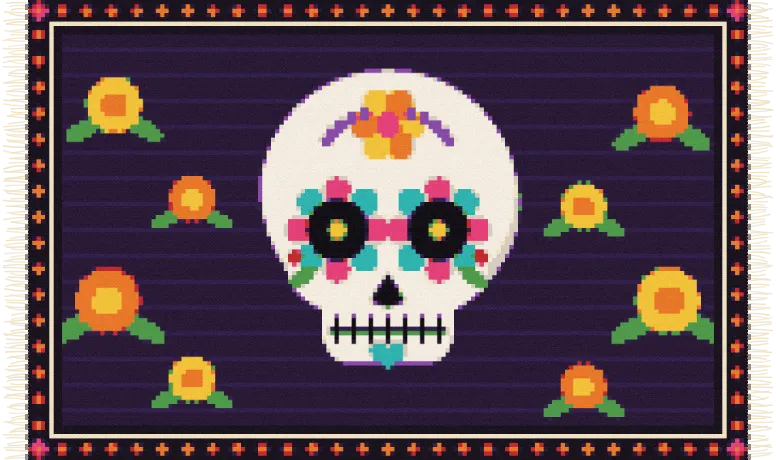

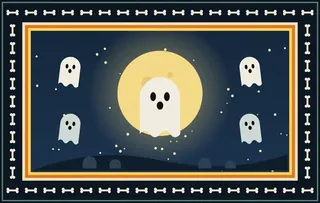
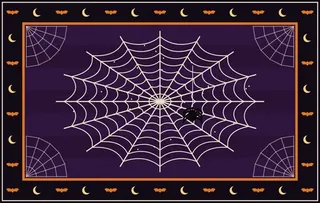
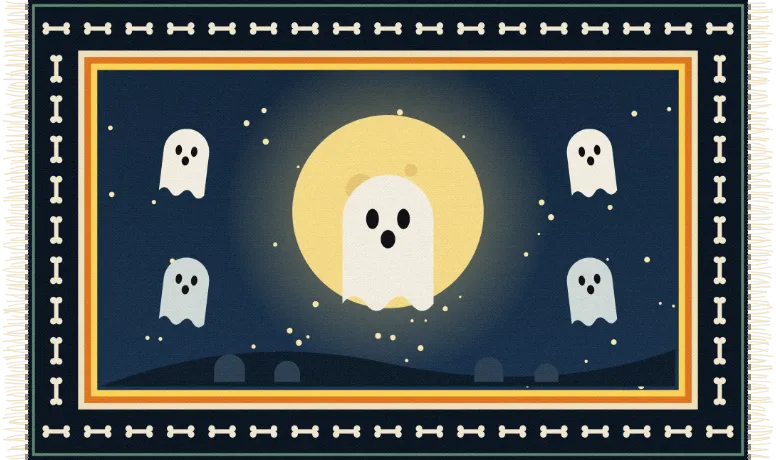
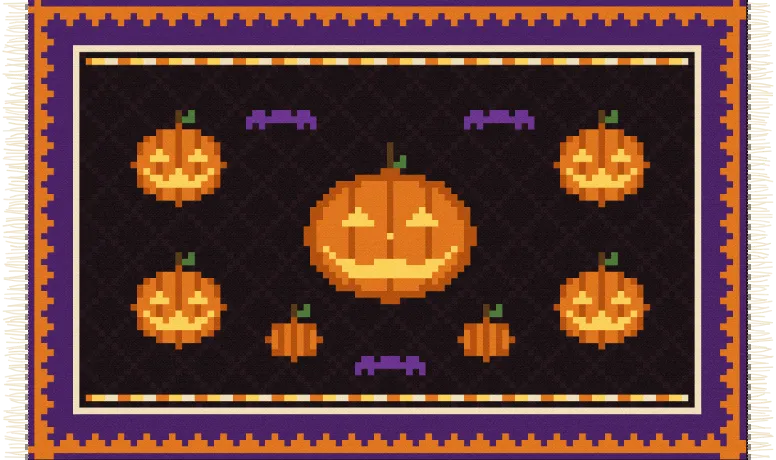
Out nowHalloween 2026
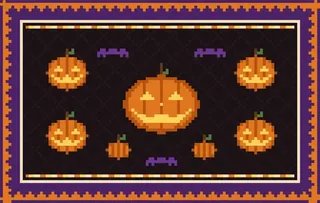
Rugs for spooky season, on your desktop now.
Free, like every pack. Open the app and find them under Halloween.
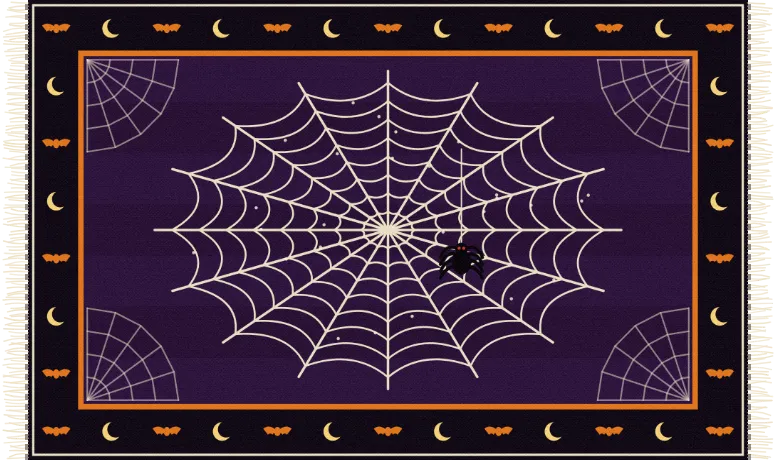
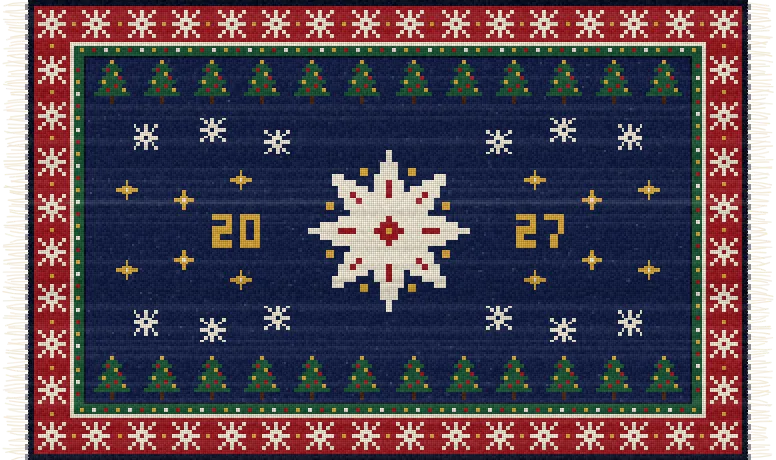
Arrives 15 December
A pack of brand-new rugs to welcome 2027.
We're showing you just one of them: Lapland New Year. The others stay wrapped until 15 December.
It's free, like every pack: on 15 December the new rugs appear in your app.
Price
Desktop Carpet is free now: every rug in the app and every new rug and pack as it lands, on Windows and Mac. No card, no account and no trial that runs out.
FAQ
Desktop Carpet is an app for Windows 10, Windows 11 and macOS 12 or later that lays a real-looking rug over your desktop wallpaper and hides your desktop icons underneath it. Lift a corner to reach your files, let go and the rug drops back. Your files never move. There are 321 rugs from around the world, and it's free: no card, no account and nothing that runs out.
No. Your files never move on disk. They stay in your Desktop folder, and the rug only covers them on screen. Lift a corner to get them back, or open the Desktop folder in File Explorer as usual.
The rug is a single image that only redraws while you move it. When it's lying still it sits idle.
Yes. Desktop Carpet runs on macOS 12 or later, on both Apple silicon and Intel Macs, as well as on Windows 10 and 11. The same key works on Windows and Mac. Other ways to hide desktop icons on a Mac
321 rugs are in the app today: Persian classics, a kilim and an Invisible rug that shows your wallpaper, the Halloween Pack and nine world packs. The Mediterranean Pack has 64 rugs from Italy, Greece, Spain and France, the Nordic Pack 60 from Norway, Sweden, Denmark, Finland and Iceland, the Balkan Pack 60 from Croatia, Bosnia and Herzegovina, Serbia, Bulgaria and Albania, the East Asia Pack 42 from Korea, Japan and China, the North America Pack 38 from the USA, Canada and Mexico, the Persia Pack 12 knotted rugs, the Türkiye Pack 12 Anatolian carpets and picture rugs, the Jordan Pack 12 rugs and the Morocco Pack 12. New rugs and packs keep landing in the app, and all of them are free. See every rug
Packs are sets of rugs that land together. The Balkan, Jordan, Morocco, Nordic, Mediterranean, East Asia, Türkiye, Persia, North America and Halloween packs are out now, and the New Year Pack lands on 15 December. Every pack is free, and its rugs appear in your app on the day.
Yes. Every rug and every pack, on Windows and Mac, with no card, no account and no trial that runs out. Get a free key on this page, paste it into the app and the rugs are yours.
Click Get it free and enter your email: your key shows up right away, and we email you a copy. Paste it into Desktop Carpet. Lost it? It's in that email, or just get a new one.
Yes. A key works on up to 3 computers, Windows or Mac in any mix. Need more? Get another key; it's free too.
Windows can hide all desktop icons at once (right-click the desktop, then View › Show desktop icons), but then you can't open anything from the desktop until you switch them back on. With Desktop Carpet your icons stay one corner-lift away. All the ways to hide desktop icons
It tackles the same messy desktop differently. Fences sorts your icons into boxes; Desktop Carpet covers them with a rug you can lift. See the comparison
MCAN2, a designer who makes things for screens and shelves: websites, online stores, web apps, packaging, menus and brochures. Desktop Carpet is MCAN2's own project, designed and built from scratch and given away free. See more of MCAN2's work
Still have a question? Send us a message
Made by MCAN2
Hi, I'm MCAN2. I designed and built Desktop Carpet, from the app to this website, and I give it away free. The rest of the time I design things people actually use, on screens and on shelves.
Have a project in mind? Tell me about it there.
Lately: an open-air cinema's website with online tickets, a matcha brand's online store and its mailer box, and a surgeon's brochure for international patients.